





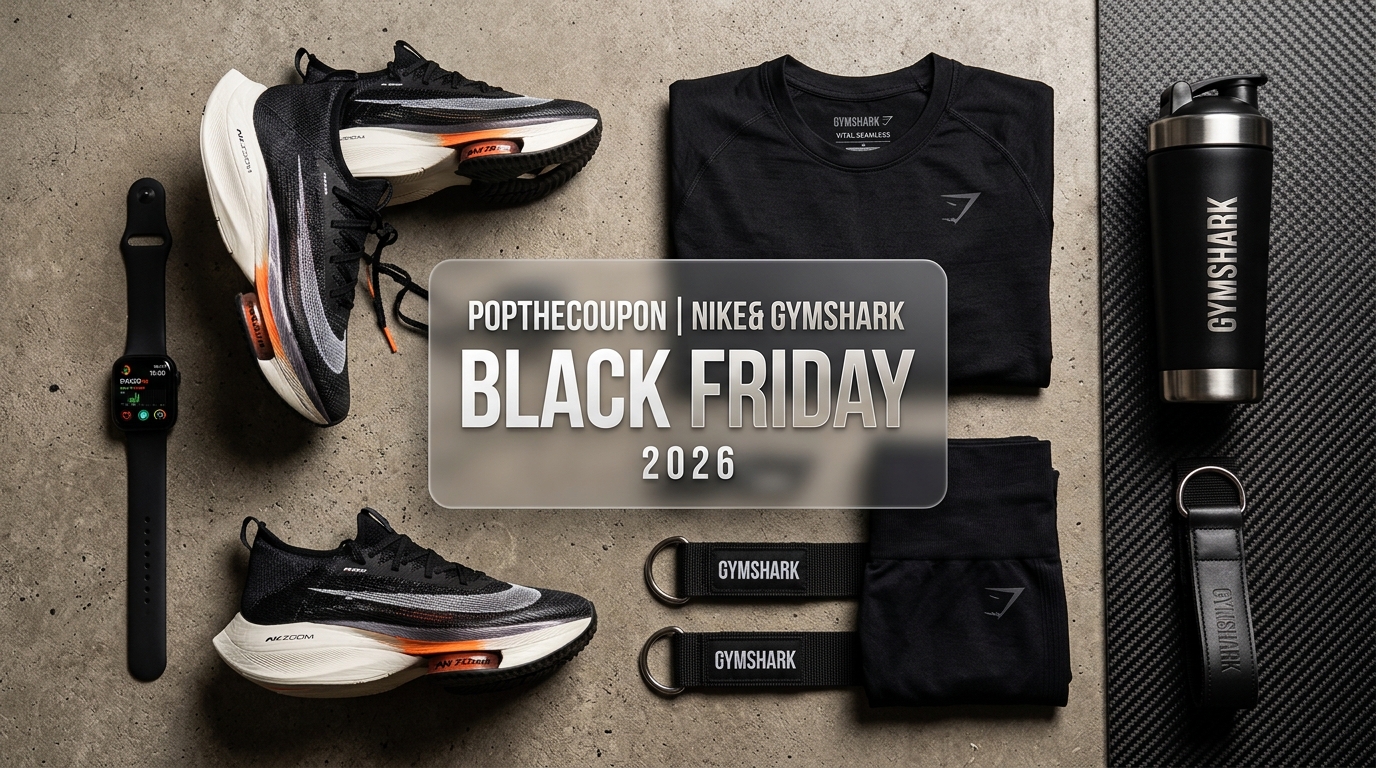
Nike Promo Code Reddit 2026 November: What Actually Works (Updated Nov 13)
Updated November 13, 2026. If you searched for a Nike promo code on Reddit this November, you have probably noticed the same pattern: a lo...
Read articleSearch top brands to reveal working promo codes in one click, copy instantly, and save more at checkout.
Most-visited retailers with freshly checked codes and active deals.
See how verified codes copy to your clipboard automatically so you can apply savings at checkout in seconds.
Practical shopping breakdowns, seasonal playbooks, and code-stacking guides.
Updated November 13, 2026. If you searched for a Nike promo code on Reddit this November, you have probably noticed the same pattern: a lo...
Read article
The Annual Holiday Dilemma: To Buy Now, Or Wait for Monday? Picture the scene: It is Friday afternoon on November 27, 2026. You’re staring...
Read article
The Wild West of Global E-Commerce: Sorting Fact from Fiction Open either Temu or AliExpress during November, and you are immediately bomb...
Read articleHow promo codes work, how we monitor expirations, and how to apply codes smoothly at checkout.
Ask a Question